PrepShelf AI
Overview
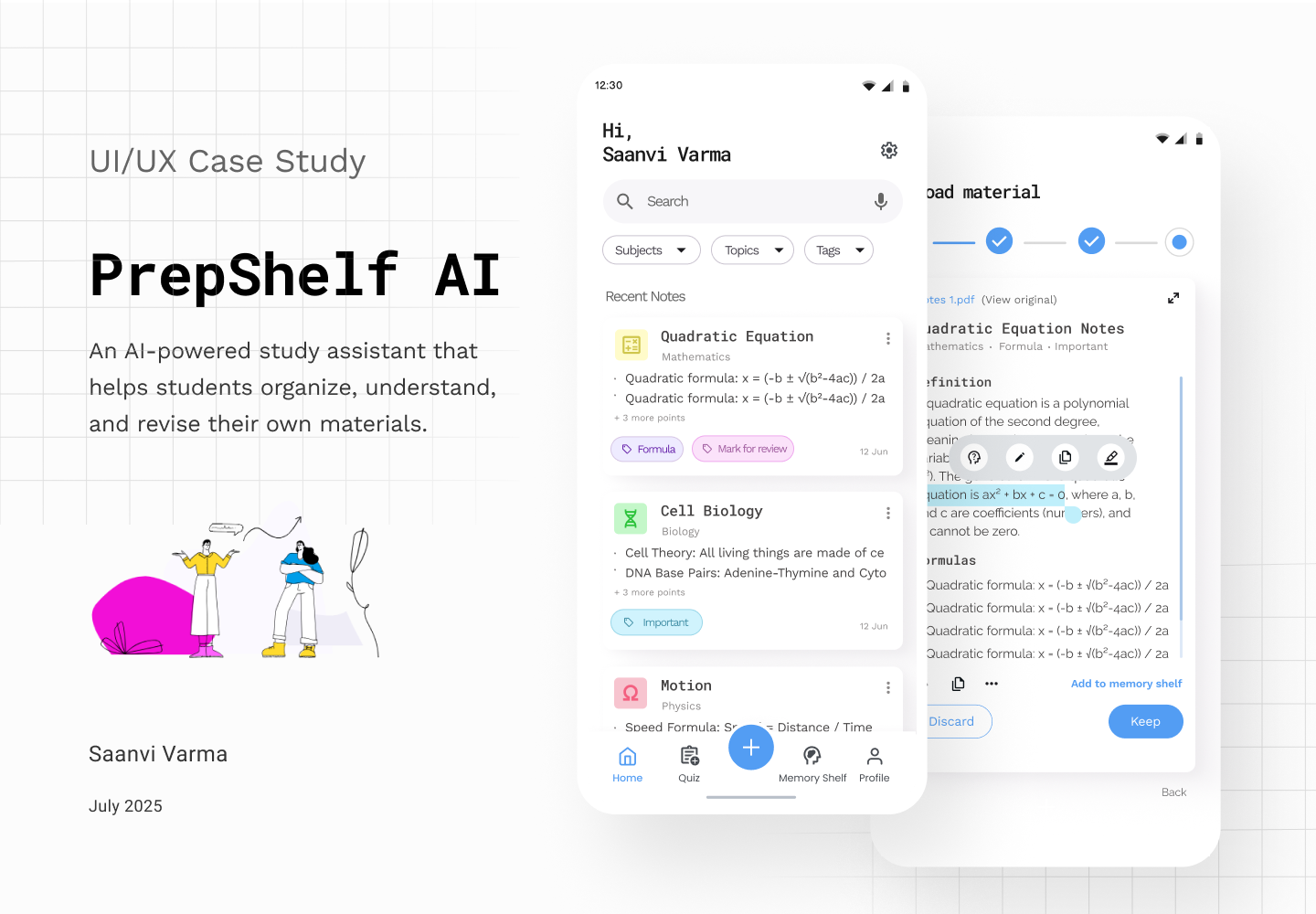
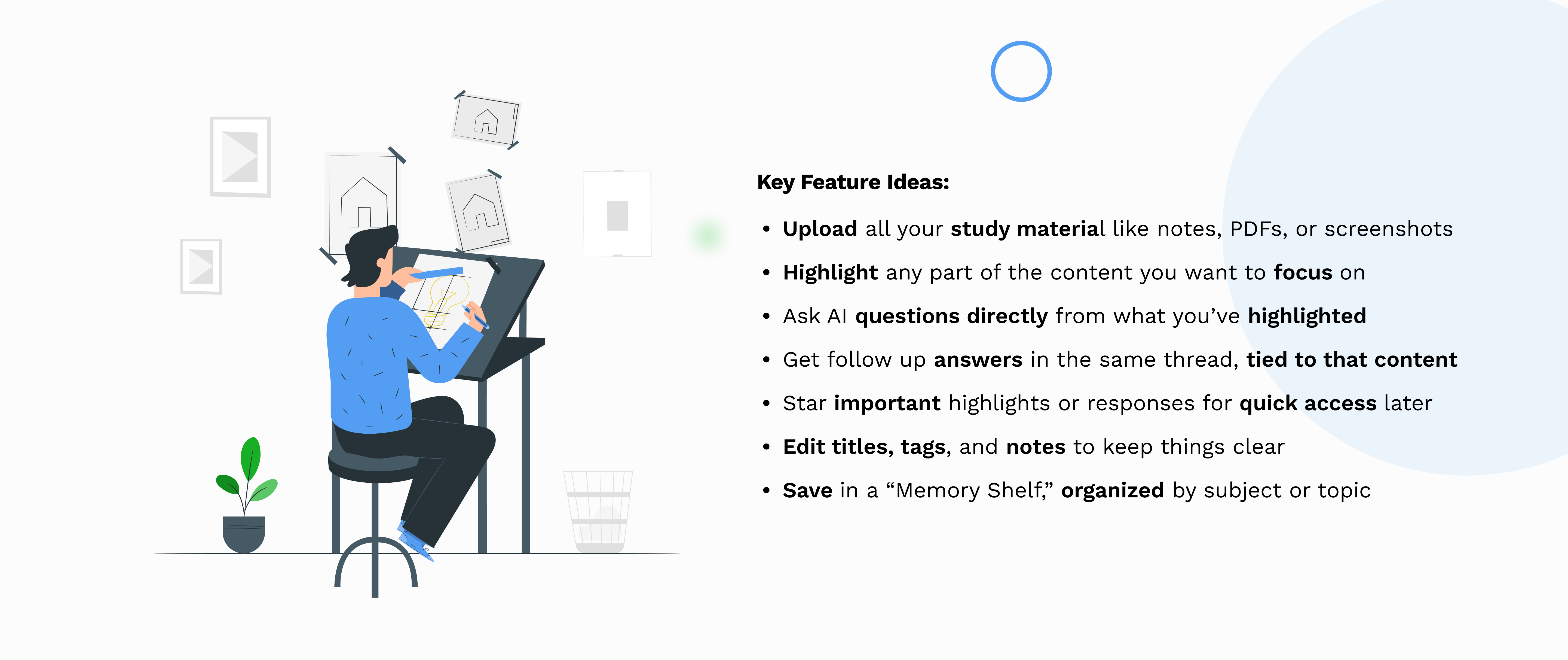
PrepShelf AI is a mobile-first study tool designed to help students organize, understand, and revisit their own study material in one place. It allows students to upload content in multiple formats, structure it by subject and topic, and interact with AI directly within their notes by highlighting specific sections and asking questions. By combining contextual AI assistance with smart organization and saved learnings, PrepShelf AI transforms scattered notes into a focused, interactive study experience.
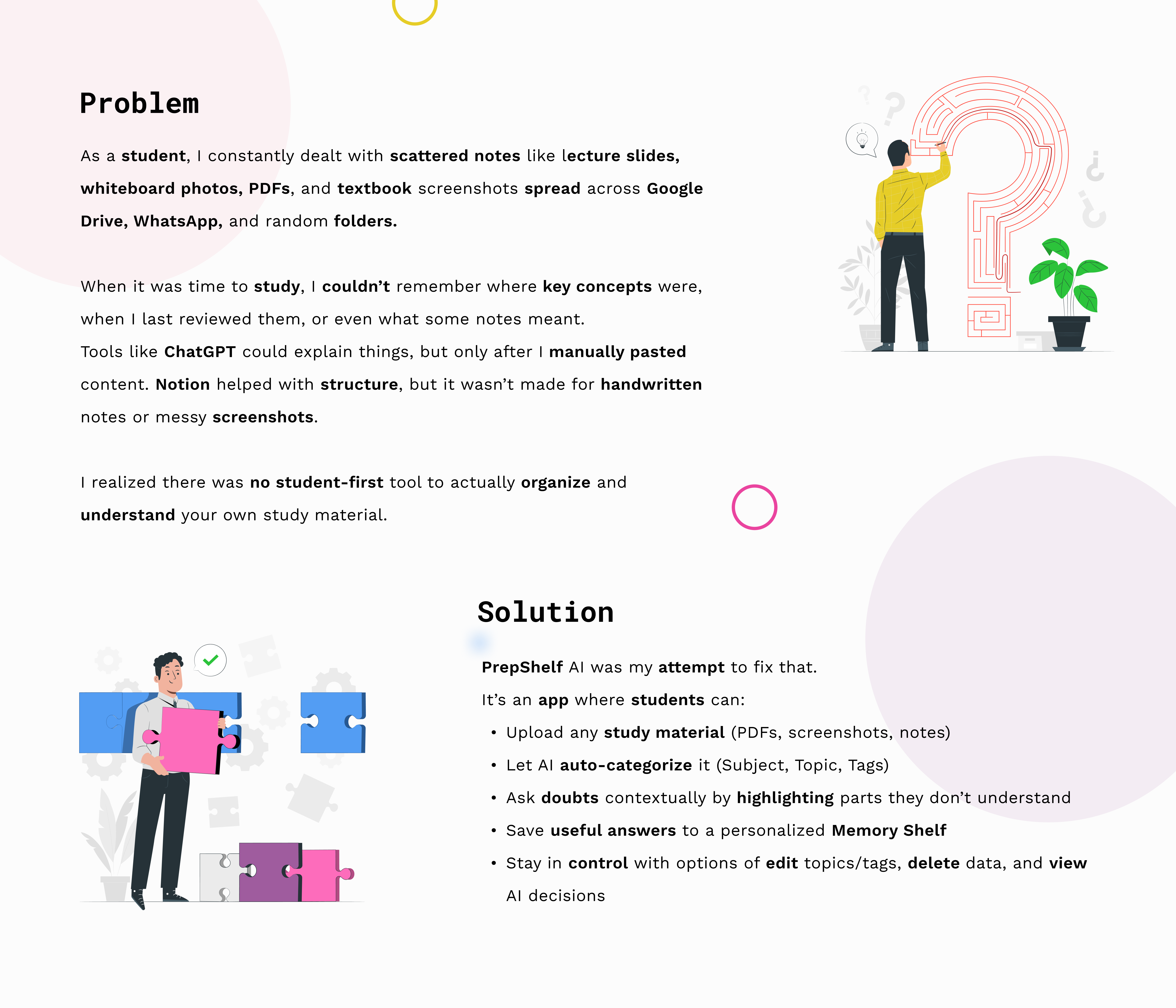
Problem Statement & Solution
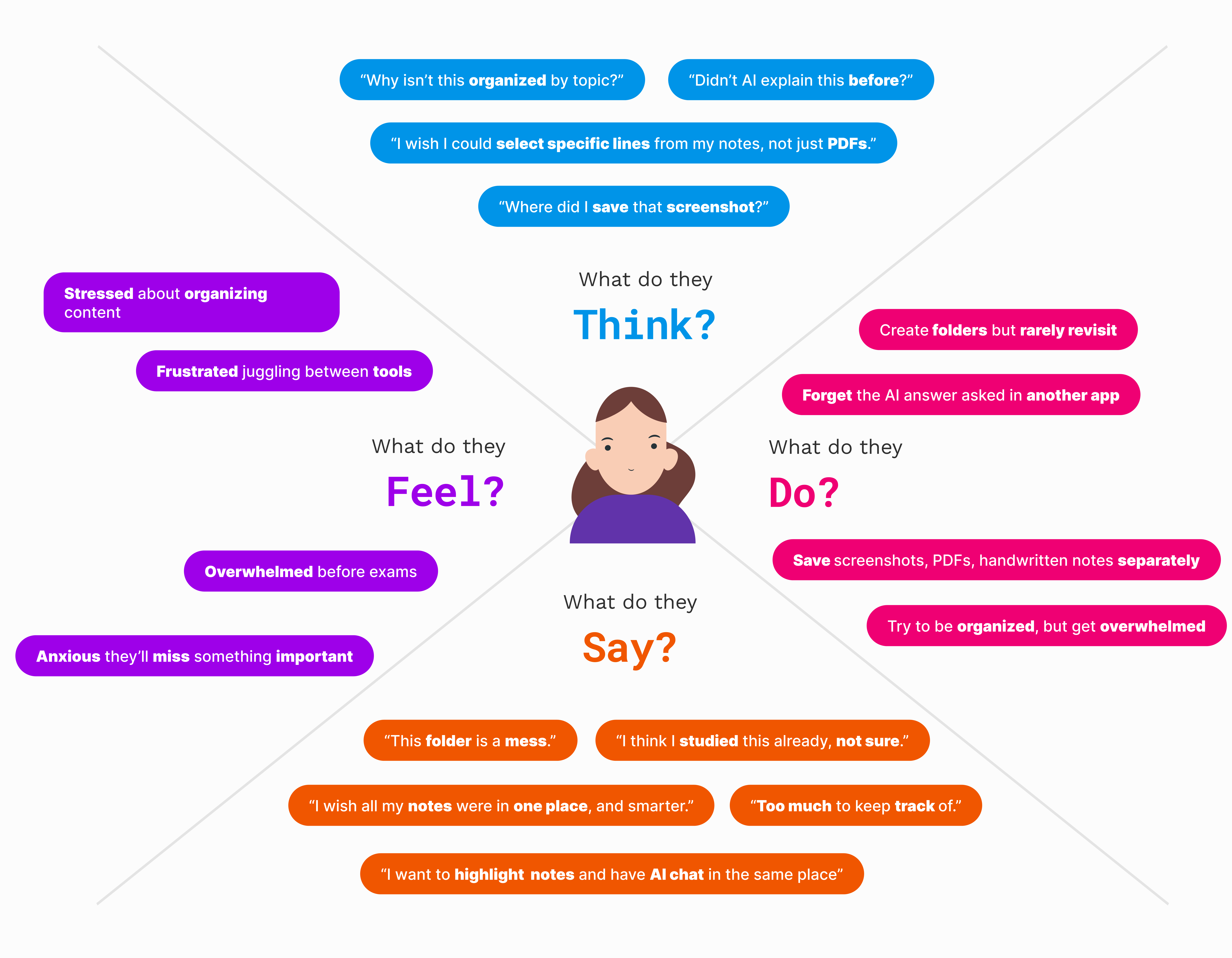
Empathy Map
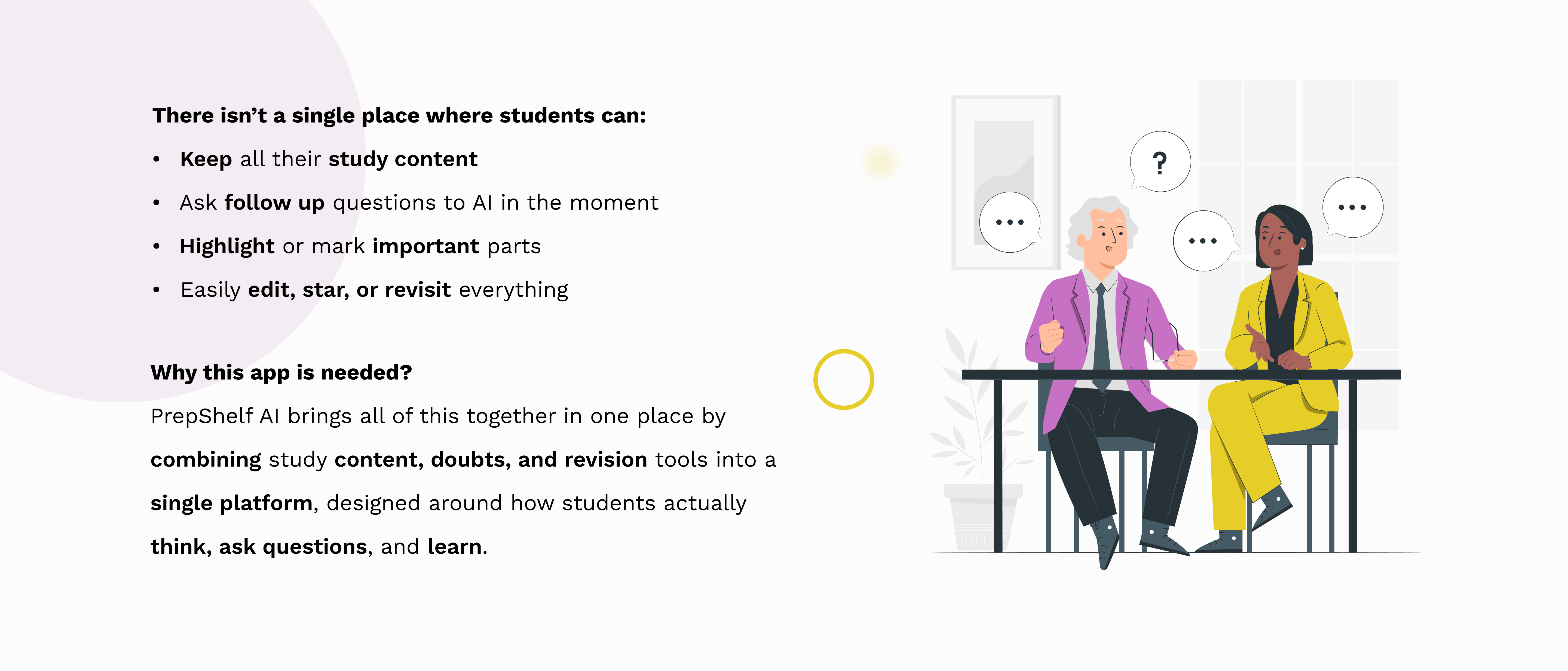
Define
Ideate
Design
Dashboard for Study Material
Features
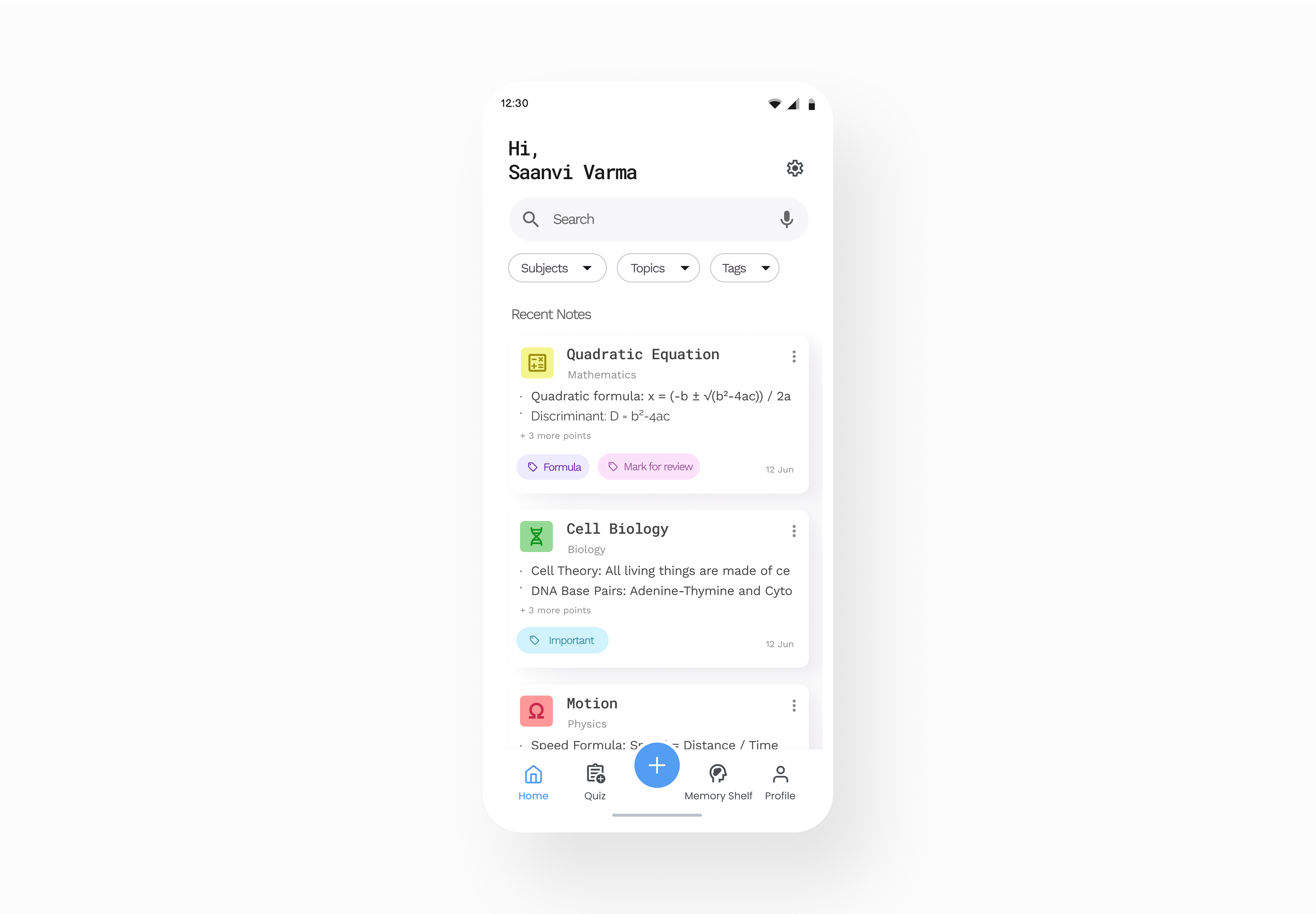
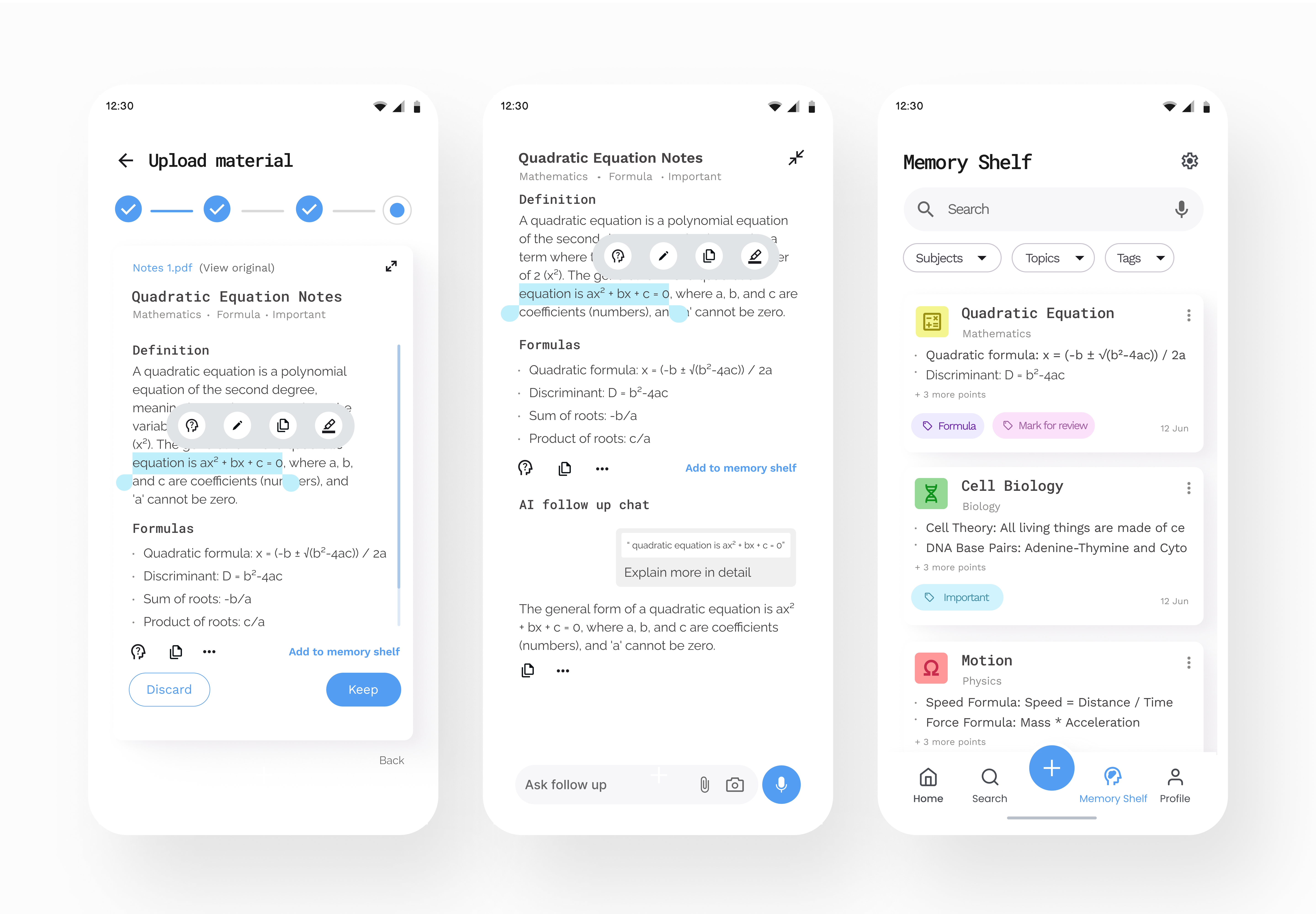
A simple study dashboard where students can see all their recent notes in one place. Greets the user and lets them quickly search for any note. Organizes content automatically by subject, topic, and tags. Filter chips help students focus on what they want to study. Each note card shows key info like subject, important points or formulas, tags, and date. Helps students quickly pick what to revise next.
Upload Material Page
Features
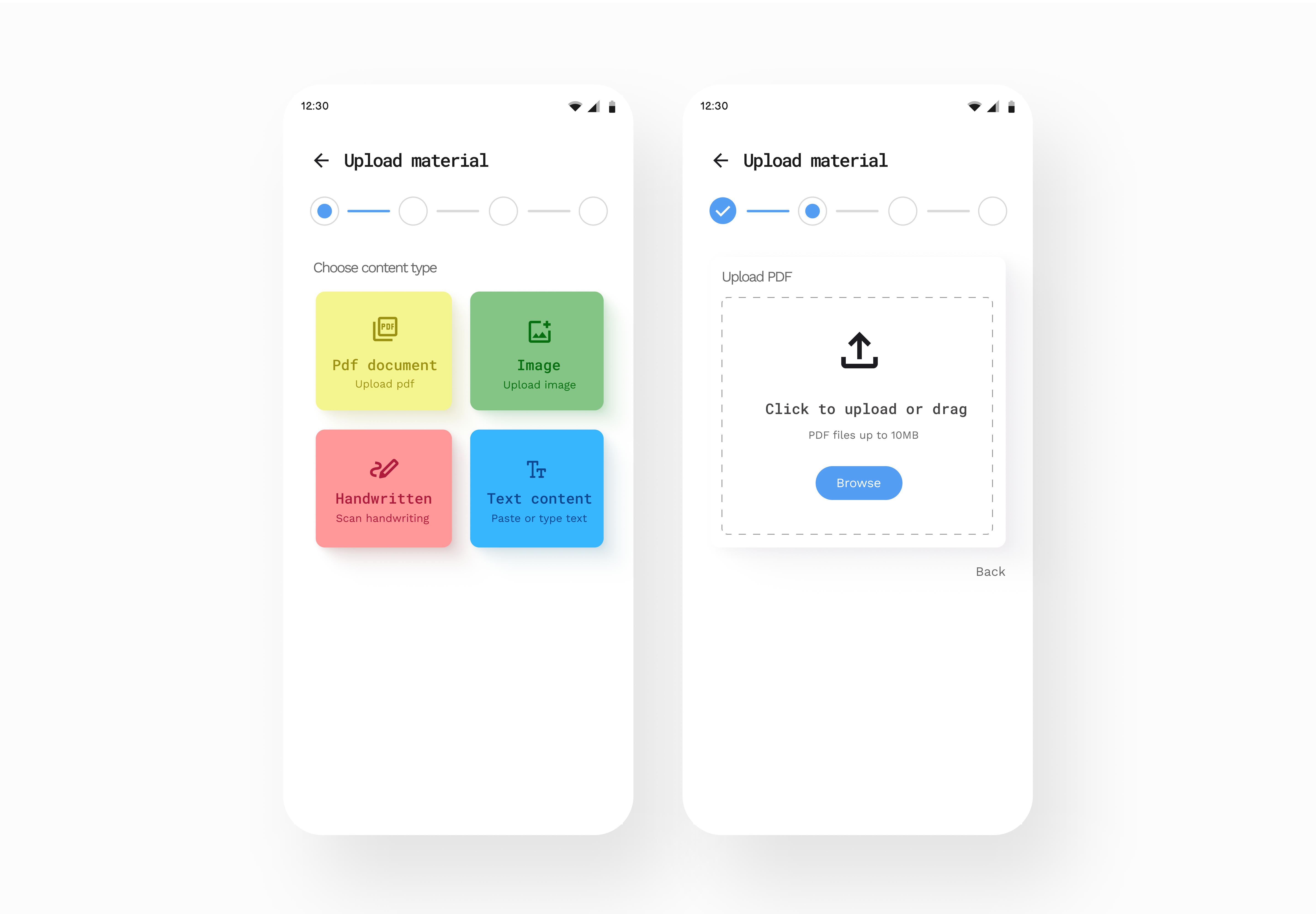
Lets students upload PDFs, images, handwritten notes, or text. Uses clear, color coded options to make choices easy. A simple step by step indicator guides them through the process. Quick browse option keeps uploads fast and low effort. Designed for mobile with large touch areas to avoid mistakes.
Contextual AI Understanding & Organization
Features
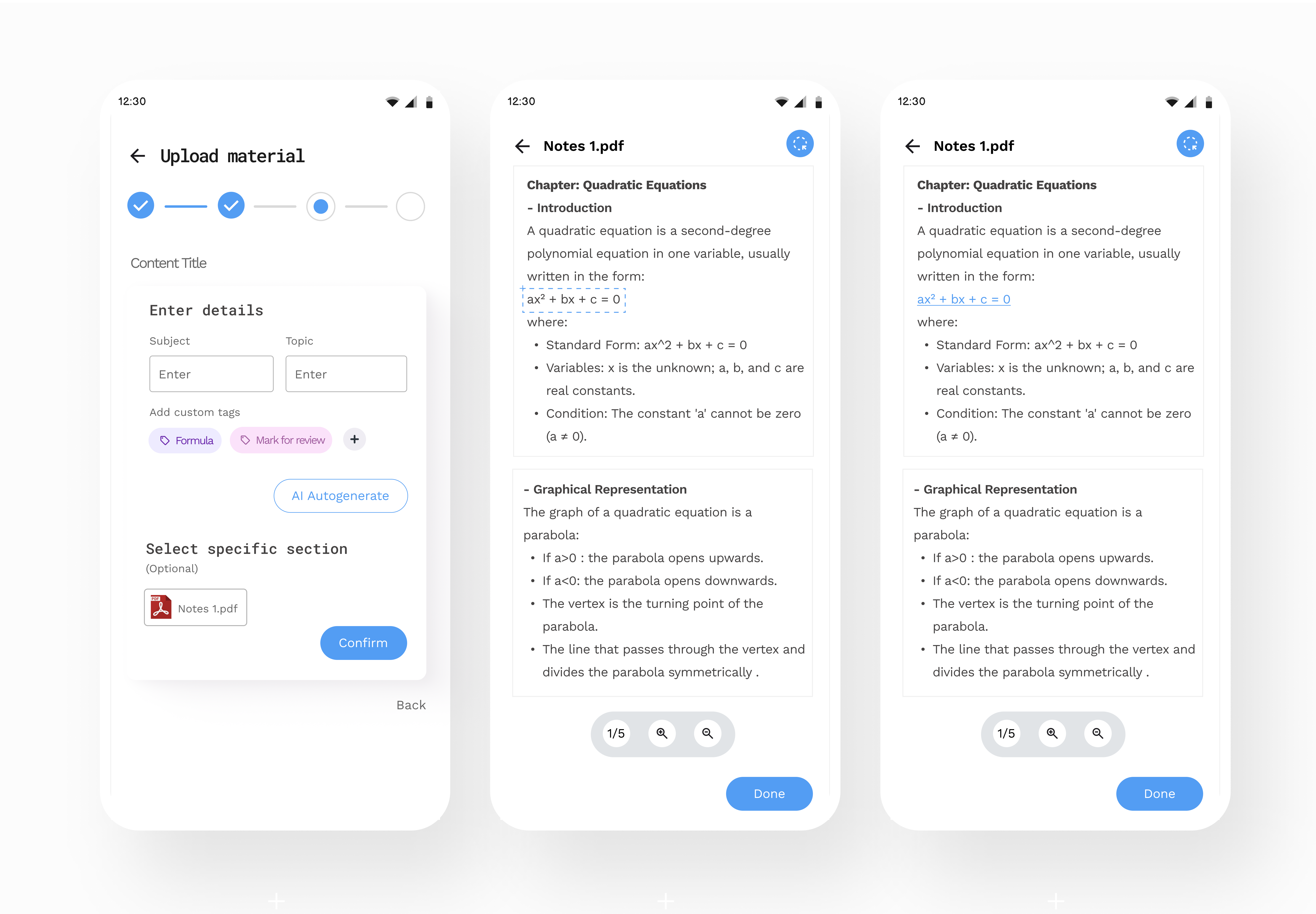
Students can organize their notes by adding or editing subjects, topics, and tags. AI suggests labels to make this faster, while students stay in control. They can highlight any part of their notes to focus on and understand it better. From these highlights, students can ask detailed, context based questions. The questions and answers stay linked to that exact part of the content. Each selected section is saved as a reference link within the note. Students can click the link anytime to jump back to that exact place in the PDF. This keeps everything connected and turns raw notes into organized, interactive study material without switching apps.
Follow up doubts and Memory Shelf
Features
Students can select any part of their notes to edit, highlight, or copy using a quick action bar that appears on selection. They also have the option to start a quick follow up chat directly from the selected content. Conversations stay in the same place, keeping everything connected to the context. Important explanations, formulas, and key concepts can be saved for later. Everything is stored in a personal Memory Shelf for quick revision.
Other Projects